Invoicing with Moloni
See also: Moloni invoicing integration in Limitada, the overview guide with the what and the why. This page covers the how: the concrete setup steps.
Limitada gives you everything you need to run your company. That includes issuing invoices through Moloni ON, Moloni’s modular invoicing and management platform. Its software is AT-certified under no. 3075. This guide explains how to connect your Moloni ON account to Limitada, which features are available and where to get help if you need it.
Once you connect your Moloni ON account, you can manage your AT document series, issue simple invoices (FT), keep track of your customers, maintain an audit trail of the actions on those documents, and share access with your accountant.
We provide a simple interface for this. Moloni ON handles communication with the AT, registration of the series and ATCUD generation. In practice, you can issue invoices inside Limitada using your Moloni ON account; Moloni ON issues the invoices through its AT-certified software.
Connect to Moloni ON
No password sharing required. Go to your company’s Invoicing setup page and click the Moloni connect button.
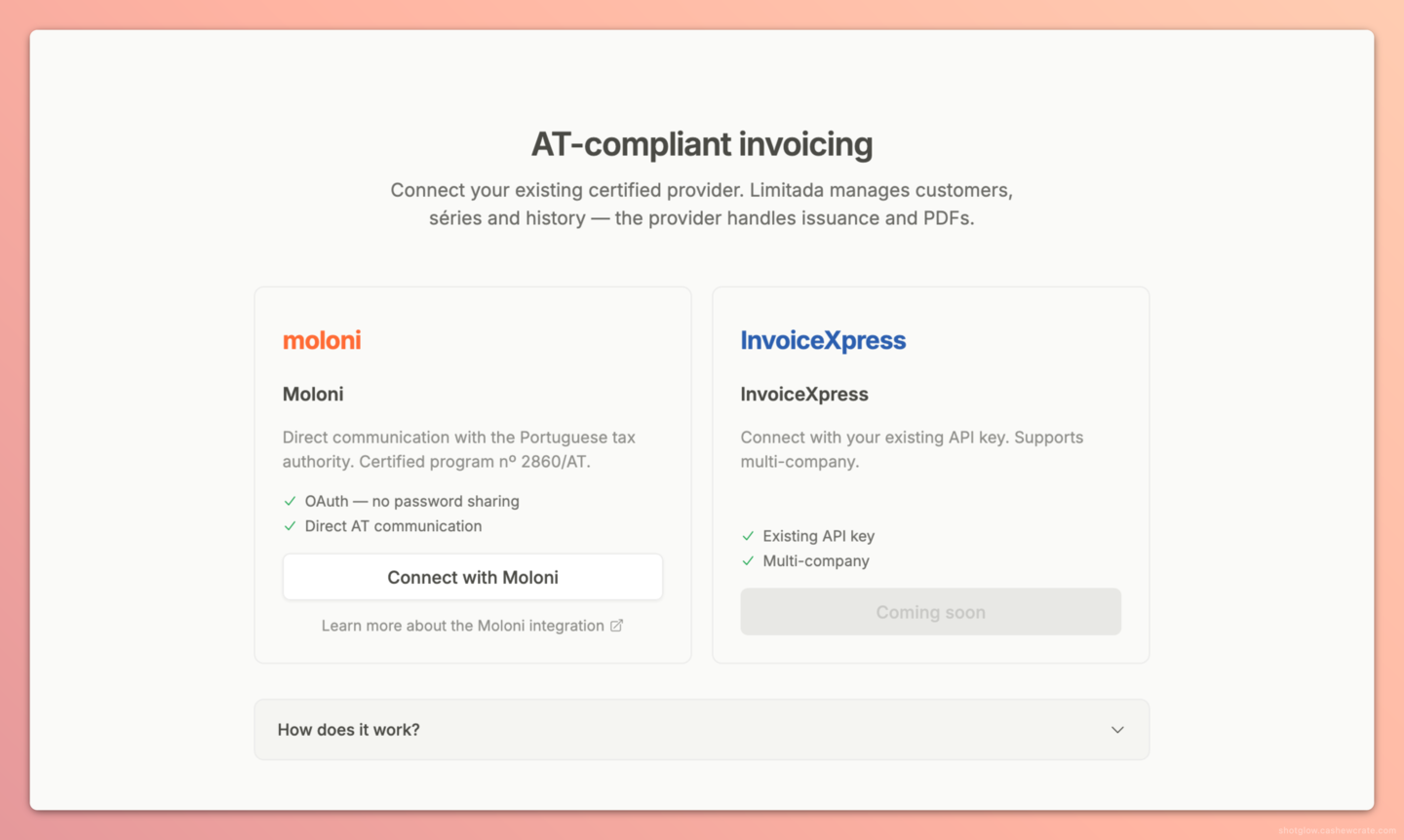
That starts the OAuth authorization flow. After you authorize Limitada to access your Moloni ON account, you need to choose the Moloni ON company you want to use (if you have more than one on the account).
Once that is done, Limitada imports your history (document series, customers and invoices) so everything is available inside Limitada. Products and catalogue items are not part of this initial import. You can keep using the app while the import runs.
From there, Limitada polls Moloni ON periodically (every 30 minutes) to bring in changes made on the Moloni side (for example, invoices issued outside Limitada).
Invoicing
Everything you need to invoice customers with simple invoices (FT) is in Limitada. You can manage AT document series, issue and cancel invoices, and keep your customer data up to date. Go to the Invoicing section to get started. Other document types (invoice-receipt, credit note) are not currently supported in Limitada and must be issued directly in Moloni ON.
Questions?
If you have questions not covered here or suggestions for the integration, write to info@limitada.pt. For Moloni ON-specific questions (customer portal, modules, advanced invoicing), the official Moloni ON help portal and the API documentation are the right channels.